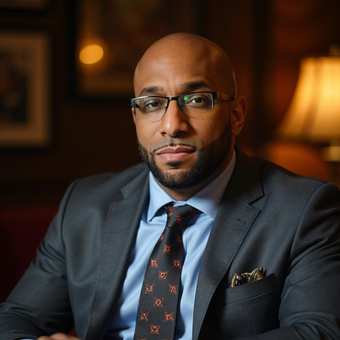
 Wesley Swann
Free guide / Claude and Cowork
Move your workflows to a different Claude model
Switch Claude models without breaking your work. Inventory your prompts and skills, test on real tasks, fix what changes, and roll out with a fallback.
When you switch Claude models, the name is the easy part to change. The real work is making sure your prompts, skills, and automations still do what you expect. A new model can read the same instructions differently, take more…
Join free to keep reading
The rest of this guide is for members. Create a free account with your email to read every guide.
About the author
Wesley Swann | AI, Automation & Cybersecurity
Wesley builds AI that does the busywork. He shares practical guides, teaches you how to build with AI, and helps turn your ideas into working automations.